Contact Support

Lyric Health – Quickstart Guide

Lyric

Get Started Now!
Set up your TytoHome

This guide provides a step-by-step walkthrough for setting up TytoHome for the first time.
 
Have your Wi-Fi username and password handy. While activating, please charge your TytoHome.
Step 1: Download the Tytocare app
  • IMPORTANT: Do NOT create an account – It will be created for you automatically through Lyric. 


Step 1: Login to the Lyric dashboard
  • Login to the Lyric dashboard. Click here

  • For pairing instructions using Personal Hotspot click here (iOS) or Mobile Hotspot click here (Android).
 
Step 2: Click the “Set Up TytoHome Now”

Click the “Set Up TytoHome Now” button on the home screen banner. This will launch the Tyto app. Follow the in-app instructions to pair.

 
Step 3: Finish activating with a short training

Follow the in-app instructions to complete your Welcome Training – in less than 10 minutes!

Need help?
Call our 24/7 support line at 866-677-1279
Step 1: Complete your Tyto exams
  • Login to the TytoCare app
  • Tap ‘Start’ and choose a patient
  • Follow the in-app steps to complete the recommended exams based on your symptoms
 
Step 2: Schedule a Tyto visit
  • Log in to your Lyric dashboard
  • Select ‘Start your visit now’ from the homepage banner
  • Follow the prompts to complete the scheduling process
  • At your scheduled appointment time, click the link sent to you via SMS for a video visit, or answer the phone for a phone visit
 
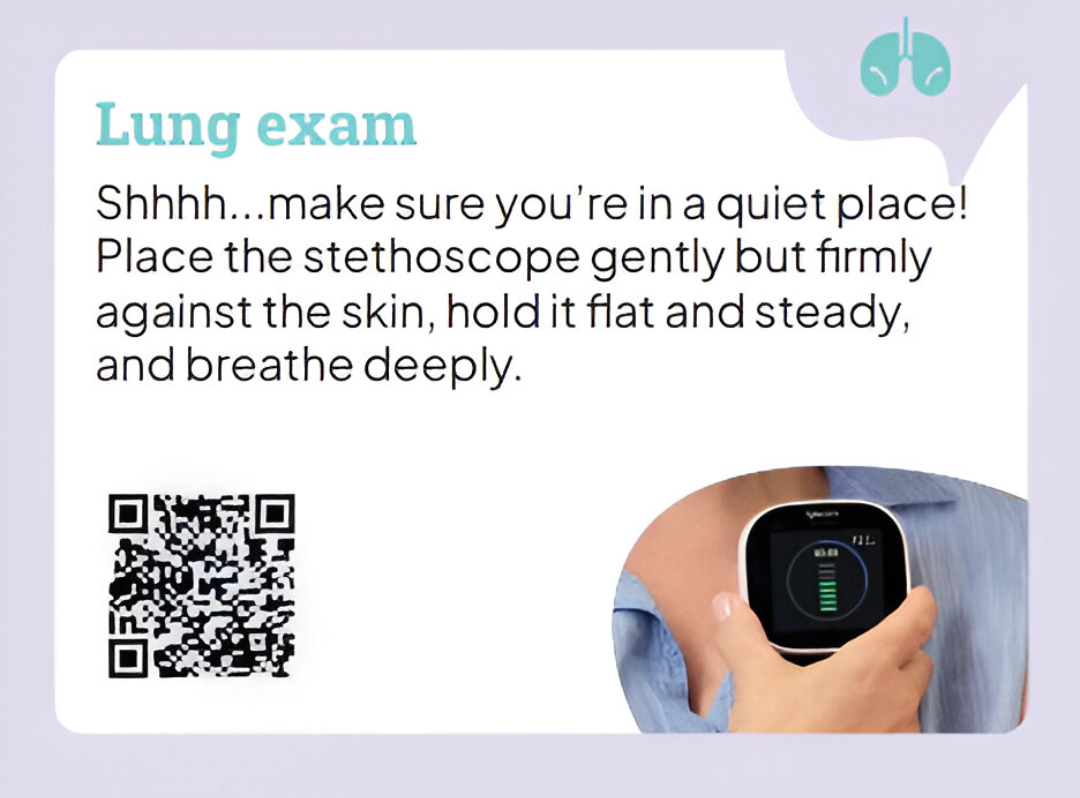
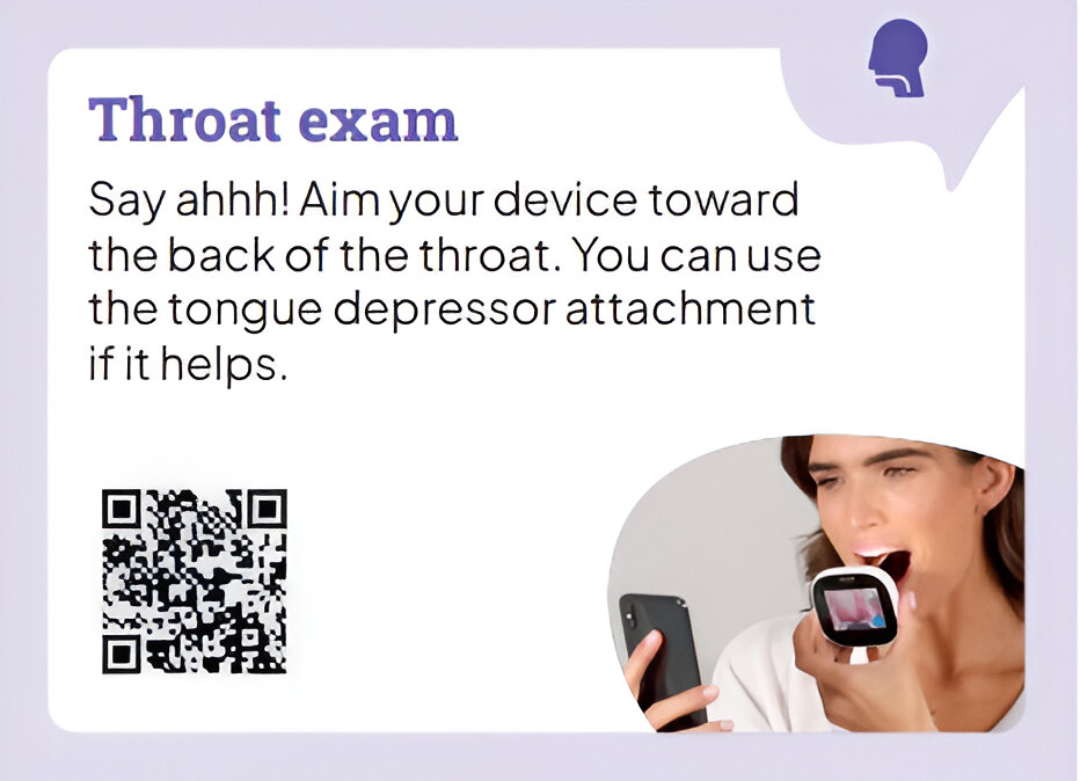
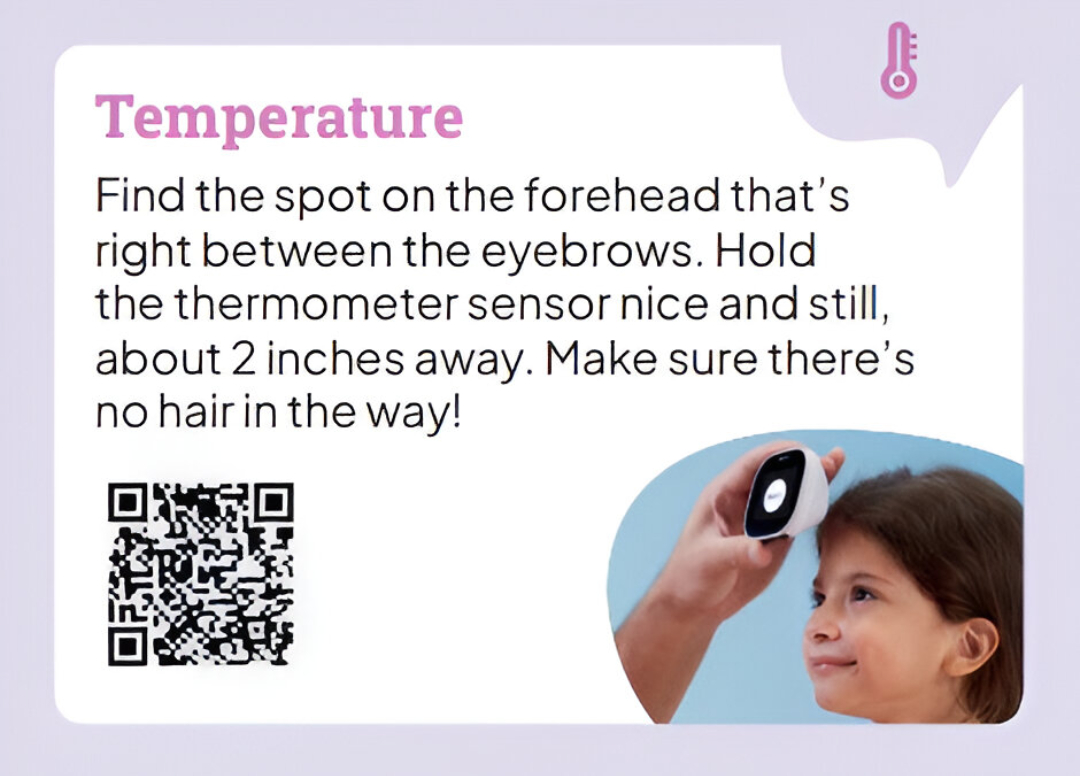
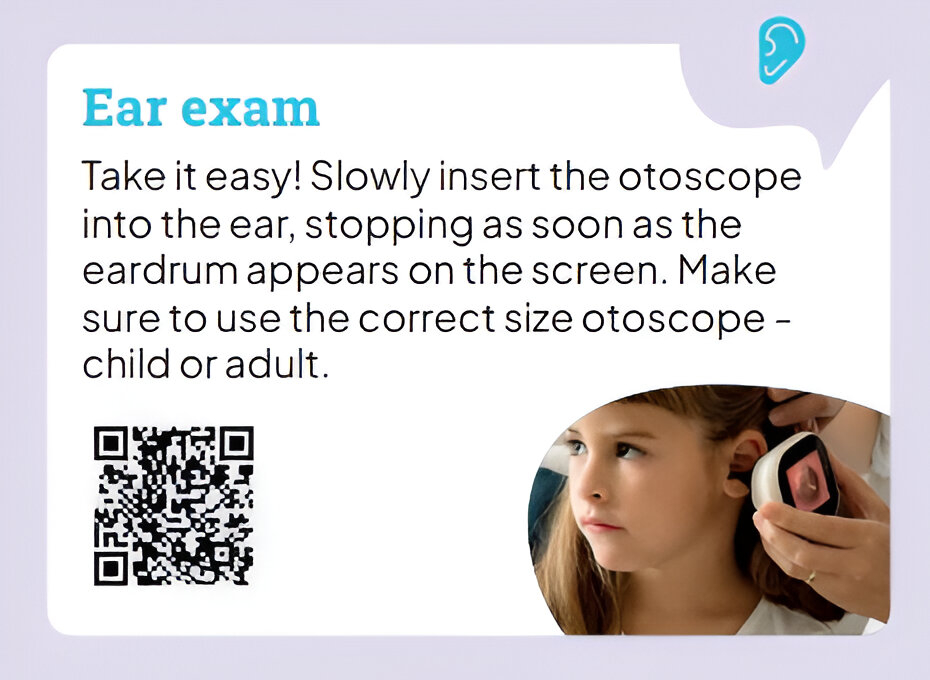
Scan each QR code for a helpful video

Lung exam

Throat exam

Temperature

Ear exam
 
For additional resources, please go to FAQs page
Lyric Health assistance
Please call 1-866-223-8831 for assistance.
   
 
TytoCare assistance
1-866-677-1279
support@tytocare.com
 
 
Contact Support