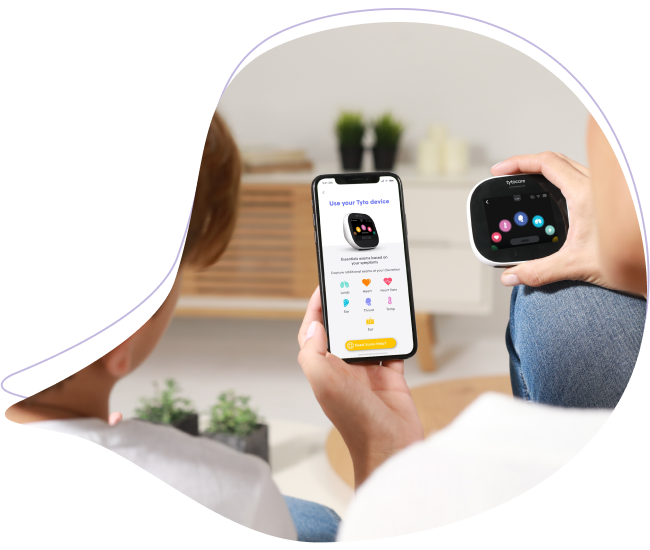
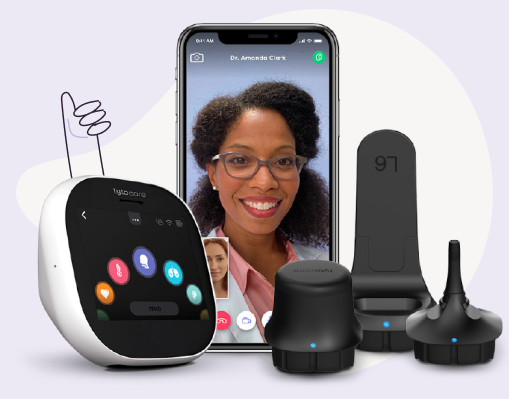
Before beginning a clinical examination, it is essential to set up your TytoPro environment correctly. Proper placement ensures you can operate the device and the app simultaneously with precision.
To watch this on YouTube, press CTRL + Click the YouTube logo.
Step 1: Position Your Mobile Device
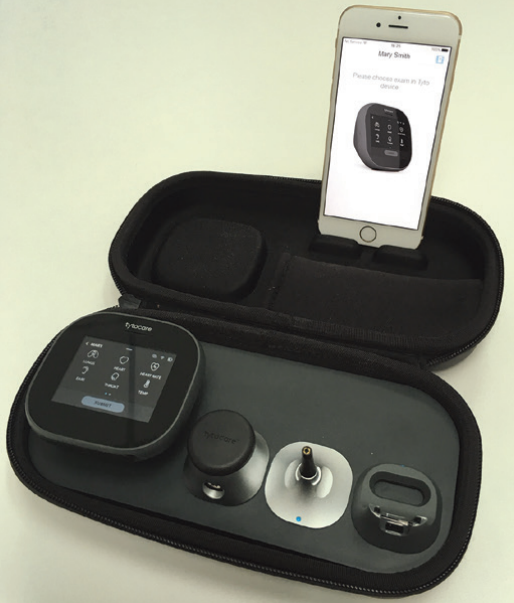
Place your iPhone or iPad on a stable stand. This allows you to keep both hands free for handling the TytoCare device and selecting exam types in the app.
- iPhone Users: Use the dedicated stand found in the top compartment of your TytoPro carrying case.
Correct Placement:
Step 2: App Login and Connection Check
Launch the TytoCare App and log in with your clinician credentials.
- Verify Pairing: Check for the connection icon
 in the top corner of the app.
 - Troubleshooting: If the device does not pair automatically, refer to the Pairing Guide.
Administrator Note: Ensure the mobile device is connected to a secure healthcare Wi-Fi network with at least 2 Mbps upload speed to support high-definition video during live visits.